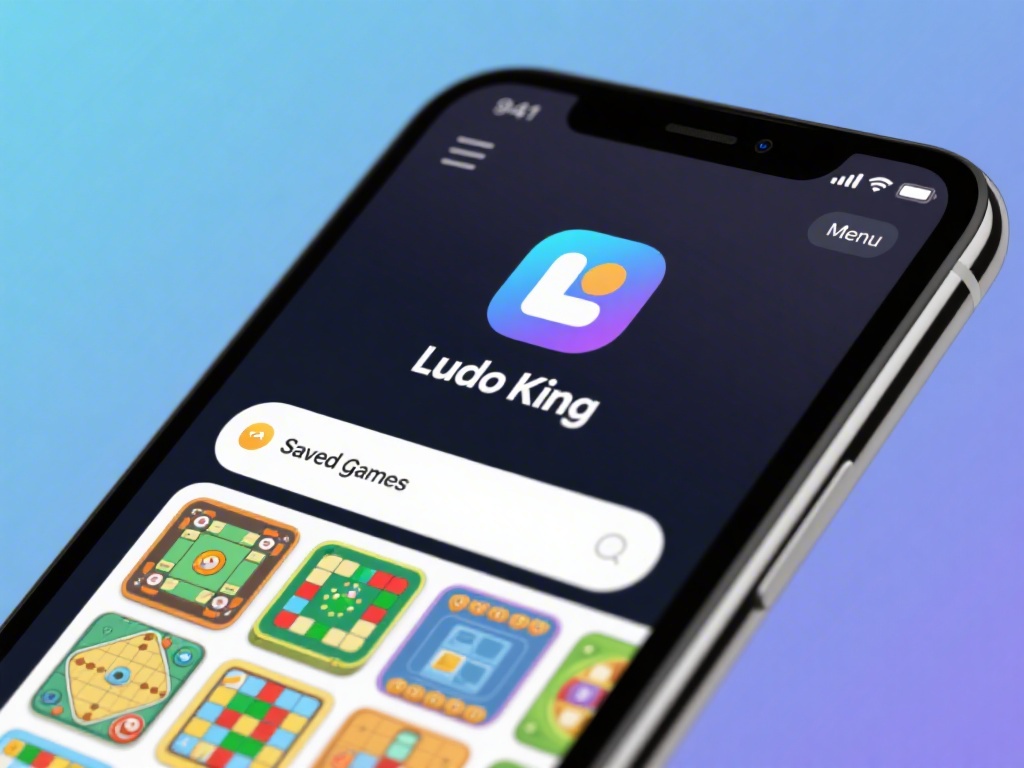
How to Open Saved Game in Ludo King: Step-by-Step Guide
Are you a Ludo King enthusiast who wants to resume your game after a long break? Opening a saved game in Ludo King can be a hassle if you're not aware of the steps. Don't worry; we've got you covered with a comprehensive guide on how to open saved games in Ludo King. Read on to find out the easy steps and tips to access your saved progress.
Step 1: Open the Ludo King App
First and foremost, you need to have the Ludo King app installed on your device. Open the app to start the process of accessing your saved game.
Step 2: Navigate to the Game Menu
Once you're in the app, navigate to the game menu. This is usually represented by a gear icon or a menu icon located at the top-right corner of the screen.
Step 3: Select "Saved Games"
Within the game menu, look for the "Saved Games" or "Resume Game" option. Tap on it to proceed.
Step 4: Choose Your Saved Game
You will now see a list of saved games. Scroll through the list and select the game you wish to resume. Each saved game will display the date and time of its last save.
Step 5: Start Playing
Once you've selected your saved game, tap on "Play" to start the game from where you left off. Your progress will be automatically loaded.
Tips for Managing Saved Games
- Regular Saves: Always ensure you save your game regularly to prevent losing progress. Ludo King automatically saves your game, but you can also manually save it before exiting the game.
- Clearing Saved Games: If you want to clear saved games, you can do so from the game menu. This is useful if you want to start fresh or if your device is running out of storage.
- Backup Your Data: It's a good practice to backup your game data if you're planning to update the app or change devices. You can do this by exporting your game data to a cloud storage service or using a file manager app.
Troubleshooting Common Issues
- Cannot Open Saved Game: If you can't open a saved game, it might be due to a corrupted file. Try clearing the cache or reinstalling the app.
- Game Crashing: If the game crashes while loading your saved game, try closing other apps running in the background or updating the app to the latest version.
- Lagging or Slow Performance: If the game is lagging or performing slowly, check your device's performance and ensure you have enough storage space.
Conclusion
Opening saved games in Ludo King is a straightforward process once you know the steps. By following our guide and tips, you can easily resume your game and continue playing without any hassle. Happy gaming!