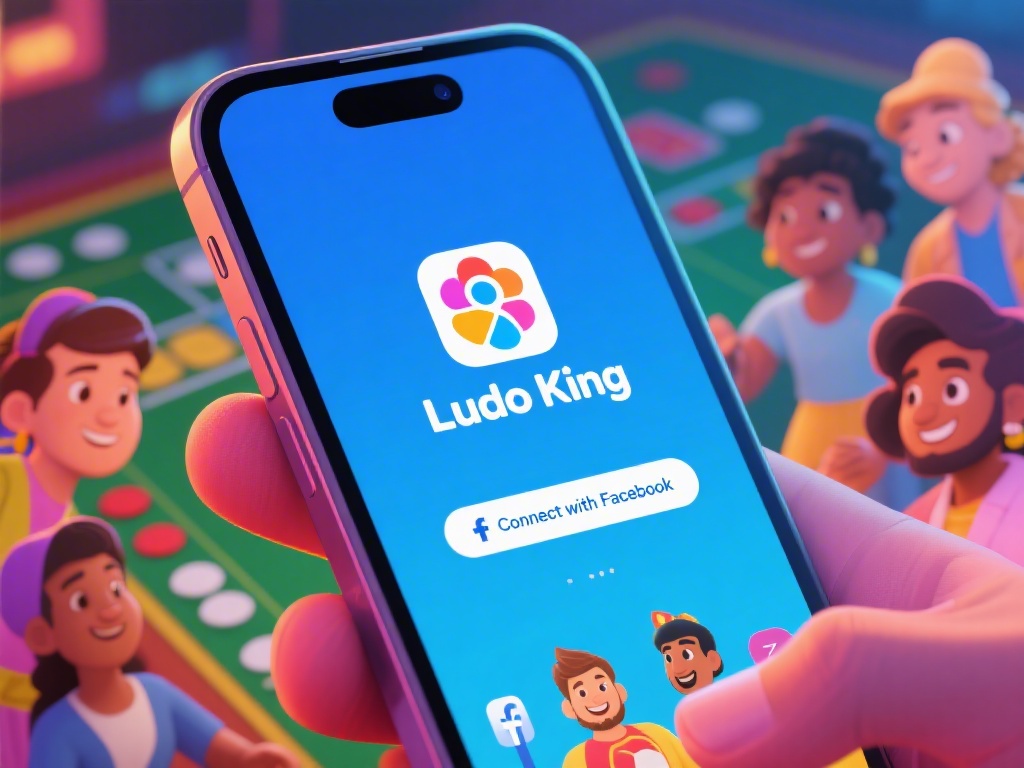
Introduction to Connecting Ludo King with Facebook
Connecting your Ludo King account with Facebook can unlock a world of social gaming opportunities. Whether you want to share your achievements with friends or join tournaments with ease, this guide will show you how to connect Ludo King with Facebook in just a few simple steps.
Step 1: Open Ludo King
The first step is to open the Ludo King app on your smartphone. Make sure you are logged into your Ludo King account to proceed.
Step 2: Navigate to the Settings
Once you are in the game, tap on the settings icon, usually represented by a gear or a cog. This will open a menu with various options.
Step 3: Find the Social Settings
Scroll through the settings menu and look for the section labeled "Social" or "Connect with Friends." This is where you will find the option to link your Ludo King account with Facebook.
Step 4: Sign in with Facebook
Tap on the "Connect with Facebook" option. You will be prompted to log in to your Facebook account. Enter your credentials and allow Ludo King to access your Facebook information.
Step 5: Confirm the Connection
After you have logged in, you may be asked to confirm the connection. Make sure to review the permissions and then tap "Confirm" or "Allow" to complete the process.
Step 6: Enjoy the Benefits
Once your Ludo King account is connected to Facebook, you can start enjoying the benefits. You can now share your game progress, invite friends to play, and join tournaments with ease.
Conclusion
Connecting Ludo King with Facebook is a straightforward process that can enhance your gaming experience. By following these simple steps, you can unlock a world of social gaming opportunities and make the most out of your Ludo King experience.
By linking your accounts, you can easily share your achievements, invite friends, and participate in tournaments. This integration not only adds a social dimension to the game but also makes it more engaging and enjoyable.
Remember, connecting your accounts is completely optional, and you can always disconnect them if you prefer to keep your gaming experience private.
For more tips and strategies on how to excel in Ludo King, make sure to check out our other articles and guides. Happy gaming!