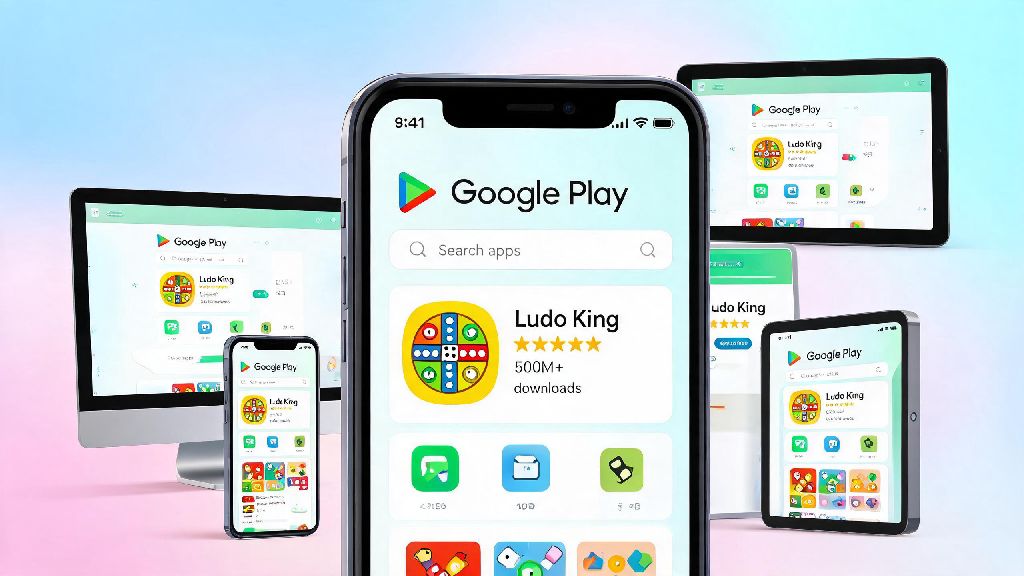
If you love casual multiplayer games that let you connect with friends and family no matter where you are, you’ve almost certainly heard of Ludo King. The digital take on the classic board game has crossed 1 billion global downloads, and it’s easy to see why: it’s simple to learn, works on almost every device, and offers hours of low-stakes fun. But before you can jump into your first match, you need to know how to download Ludo King the right way, to avoid fake versions loaded with malware or annoying intrusive ads. Getting the official app ensures you get all the latest features, regular updates, and access to official tournaments if that’s something you’re interested in.
How to Download Ludo King for Mobile and Desktop: Official Steps
The process changes slightly depending on what device you’re using, but all official paths are fast and completely free. For Android users, head straight to the Google Play Store, search for Ludo King, and tap the install button. Only download Ludo King from official app distribution platforms to avoid security risks—third-party APK sites might promise faster downloads or extra perks, but they’re almost never safe. Once you know how to download Ludo King from official sources, you don’t have to worry about any of these risks. For iOS users, the process is just as simple: open the App Store, search for the game, and tap get. You won’t find any official versions outside the App Store for Apple devices, so don’t waste time looking for other sources. If you want to play on desktop, you can download the official Windows version from the Microsoft Store, or use the official web version that runs directly in your browser without any installation required. The whole process takes less than two minutes on most devices, and you don’t have to enter any payment information unless you want to buy optional in-game items later.
Common Mistakes to Avoid When Downloading Ludo King
It’s easy to fall for fake offers online, especially when they promise unlimited in-game coins or ad-free play for free. But these offers almost always come with hidden downsides that aren’t worth the small perk you think you’re getting. Many new players search for how to download Ludo King with unlimited coins, but these requests almost always lead to fake sites. Modified Ludo King versions often lead to permanent account bans, because they violate the game’s terms of service. If the system detects you’re using an unofficial version, you’ll lose all your progress, in-game purchases, and access to your account entirely. Some of the most common mistakes new players make include:
Even if you don’t care about getting banned, unofficial game files can contain malware that steals your personal data or spams your device with unwanted pop-up ads. I’ve heard from dozens of players who tried to download a mod version, only to have their phone start sending spam messages to all their contacts. It’s just not worth the risk for a few extra coins.
What to Do After You Download Ludo King for the First Time
Once the installation is finished, there are a few quick steps you can take to make sure you get the best possible experience. First, decide how you want to sign into your account. You can play as a guest, but if you switch devices or uninstall the game later, you’ll lose all your progress. Bind your Ludo King account to a social platform or email to protect your game progress—you can use Google, Facebook, or your email address, and the process takes less than 30 seconds. Next, take a minute to adjust your settings to match your preferences. You can turn off background notifications if you don’t want to get alerts every time a friend sends you a game invite, or adjust the sound effects and music volume. Take 2 minutes to review your privacy settings after first launch to control what data you share—you can turn off features that let other players see your location or social profile if you want to keep your gameplay private. Now that you know how to download Ludo King and set up your account, you can start exploring all the game’s features, from quick random matches to private games with your closest friends.
Troubleshooting Common Ludo King Download Issues
Most of the time, the download process goes smoothly, but there are a few common issues you might run into. The most frequent problem is insufficient storage space. You need at least 150MB of free storage space to install and run Ludo King smoothly, so if your download keeps failing, check how much free space you have left on your device. Delete old apps or files you don’t use anymore, then try the download again. Another common issue is a weak internet connection. If you’re using mobile data, try switching to a Wi-Fi network to make sure the download doesn’t cut out halfway. If you get an error that the app is not available in your region, don’t turn to third-party sites to get it. Wait for the official launch in your area, or check if you can access it via the official web version instead. If the game installs but won’t open, check if your device’s operating system is up to date. Ludo King works on Android 6.0 and above, and iOS 12.0 and above, so if you’re running an older version, you might need to update your system first. If none of these fixes work, you can reach out to the official Ludo King support team for help, they usually respond within 24 hours for common issues.
At the end of the day, knowing how to download Ludo King the right way saves you a lot of frustration down the line. The official version is completely free to download and play, has regular updates with new features, and keeps your account and personal data safe. You don’t have to fall for fake offers or risky third-party downloads to enjoy the game. Once you have it installed, you can play quick 10-minute matches on your commute, host game nights with friends who live across the country, or even join official tournaments if you want to test your skills against other players. It’s the simple, fun casual game that works for almost every occasion.